Where should an agency keep client passwords and API keys?
A new client signs. Within a week they have sent you a hosting login by email, a domain registrar password in a chat message and an API key in a shared document. Six months later a developer leaves, and nobody is sure what they still have access to.
Most agencies get there without anyone deciding it. This guide covers how to store and share client passwords securely, and what to expect from the tool you use.
Where credentials end up, and why it matters
Chat threads. Searchable by everyone in the channel, forever, including people who join later.
Email. Sits in inboxes on every device, and gets forwarded.
Spreadsheets. One link gives everything away, and there is no record of who opened it.
One person's own password manager. Safe, until that person is on holiday or leaves.
The risk is real. Client credentials open production servers, payment dashboards and customer data. If one leaks, the client's business is exposed, and so is your contract.
How to share client passwords securely: what good looks like
Encrypted storage. Secrets are encrypted, and unlocking them takes something only your team has.
Organised by project. The logins for a client sit with that client's project, so the people on the project can find them and others cannot.
Access by role. A contractor on one project sees that project's credentials only.
Sharing by expiring link. When you need to send a secret to someone outside, the link stops working after a set time.
A way for clients to send secrets in. The client should be able to hand over a login without typing it into an email.
More than passwords. SSH keys, API keys, tokens, licence keys and recovery codes need the same care.
Easy offboarding. When someone leaves, removing them removes their access, and you know which secrets to rotate.
A simple policy your team can follow
- No credentials in chat or email. If one arrives that way, move it to the vault and ask the client to change it.
- Every credential belongs to a project.
- Share outside the team by expiring link only.
- Rotate anything a departing team member could see.
- Review each client's stored credentials when the project ends.
Separate password manager or one built into your project tool?
A dedicated password manager is a good choice and far better than a spreadsheet. The trade-off is one more tool, one more bill per person, and credentials living apart from the project they belong to.
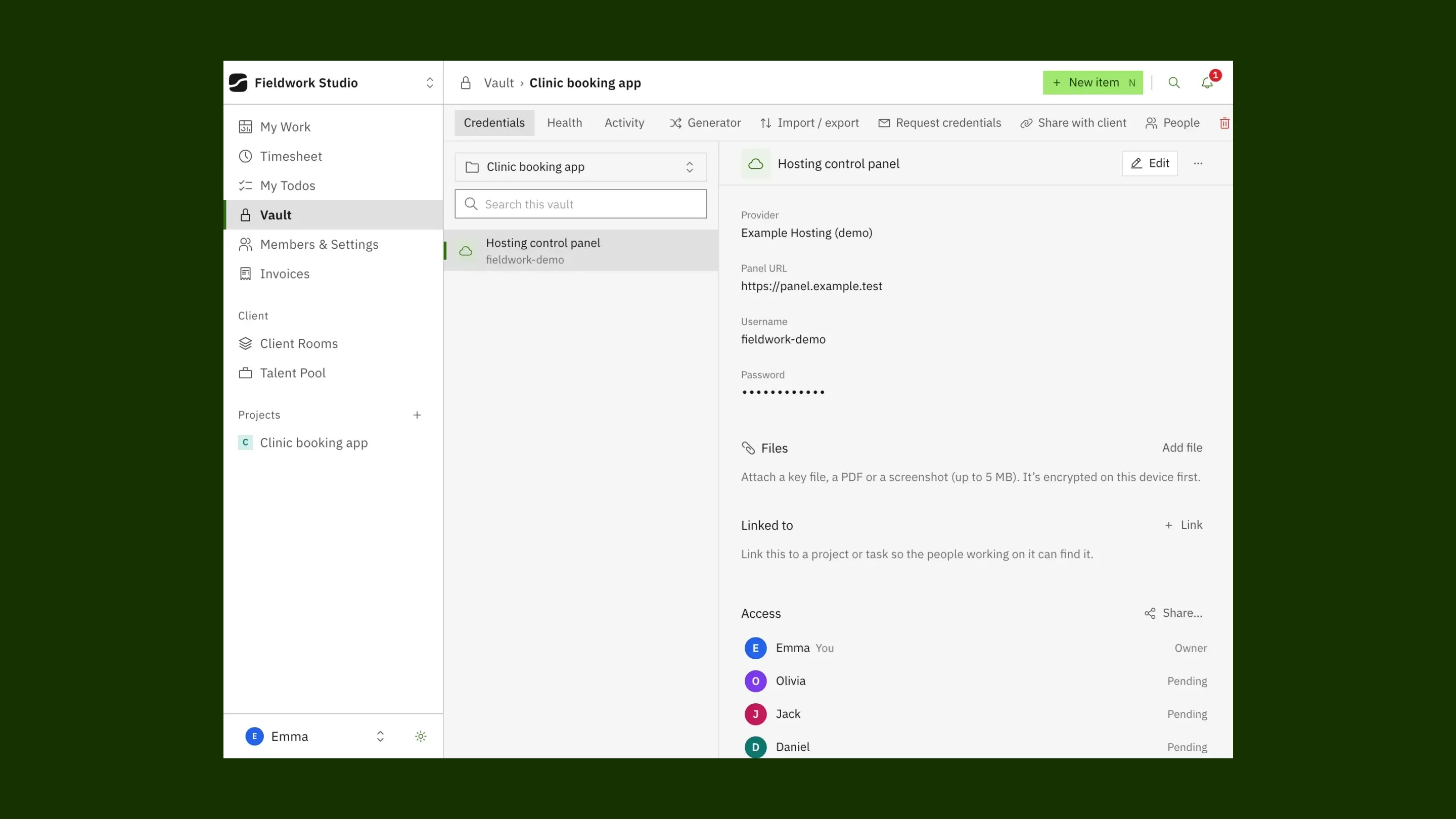
A vault inside your project tool keeps secrets next to the work. The person fixing the deployment ticket finds the server key in the same project.
How the Sprinty Vault works
The Vault is part of every Sprinty project on Team and Business. It stores logins, servers and SSH keys, databases, API keys and tokens, domains, email accounts and secure notes. Items are encrypted and decrypted in your browser with AES-256-GCM, so our servers only ever store encrypted data. They open only with a master password that is separate from your Sprinty login. You can share a single item or a whole project's credentials with a client through a link that expires. Clients and contractors never see the Vault itself, only what you send them.
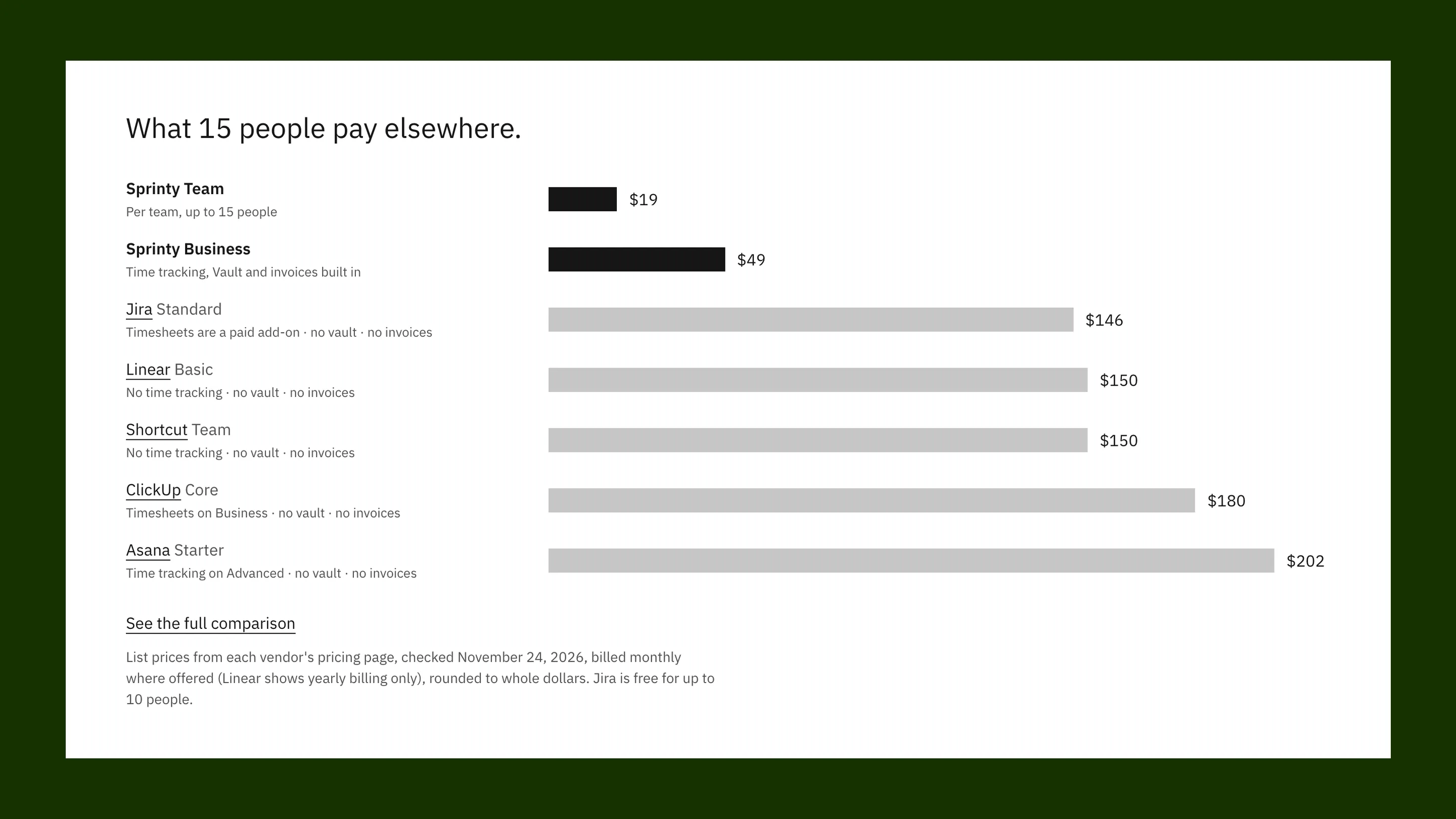
The details of how we protect data are on the security page. The Vault is included from the Team plan, at $19 a month for up to 15 people. Start free.
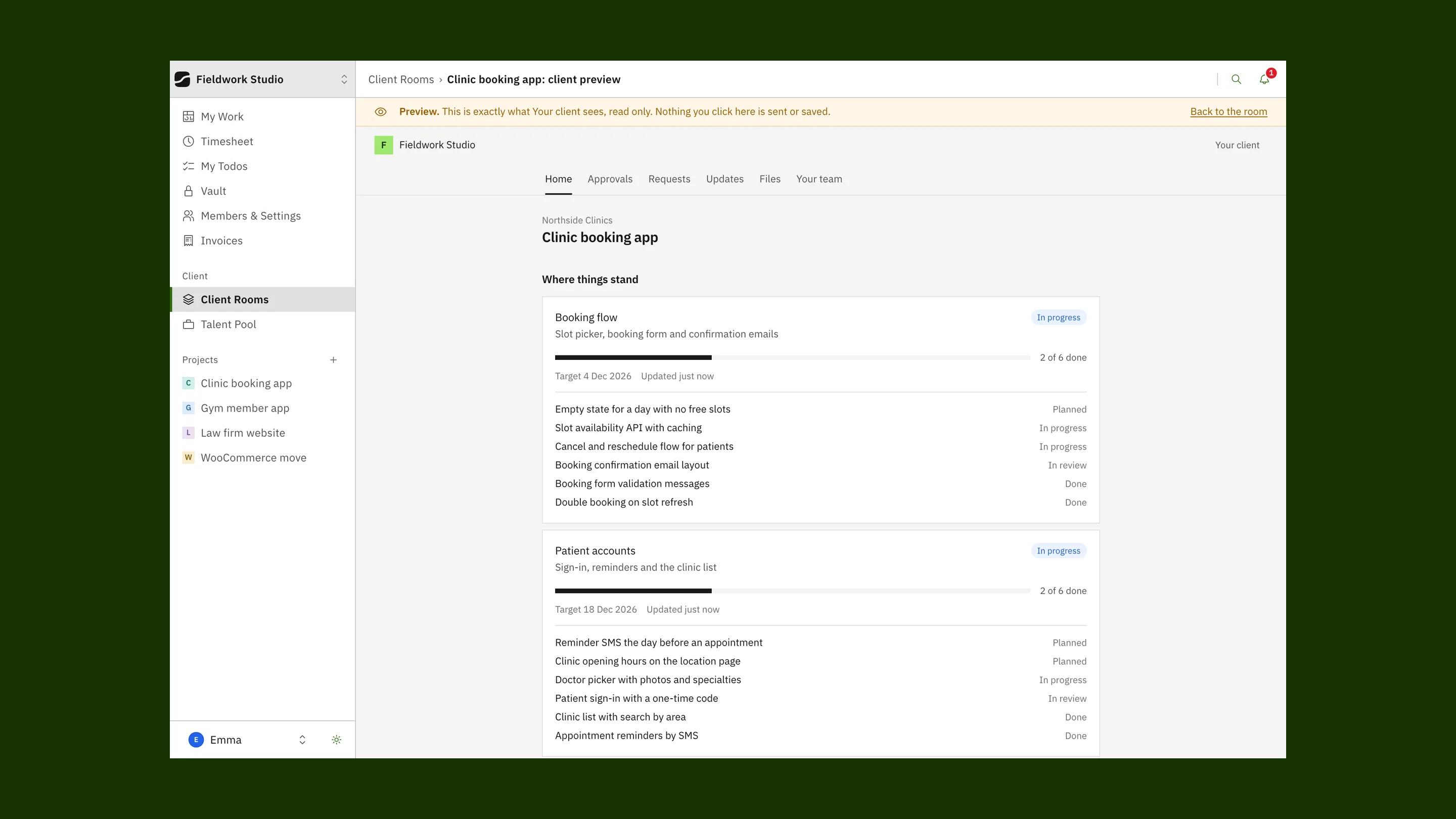
Related reading: what project management software for agencies has to do and how to show clients progress without status emails. The Vault guide walks through setup.
Keep reading
Run your next project in Sprinty.
Start free