AI project management without AI credits: bring your own
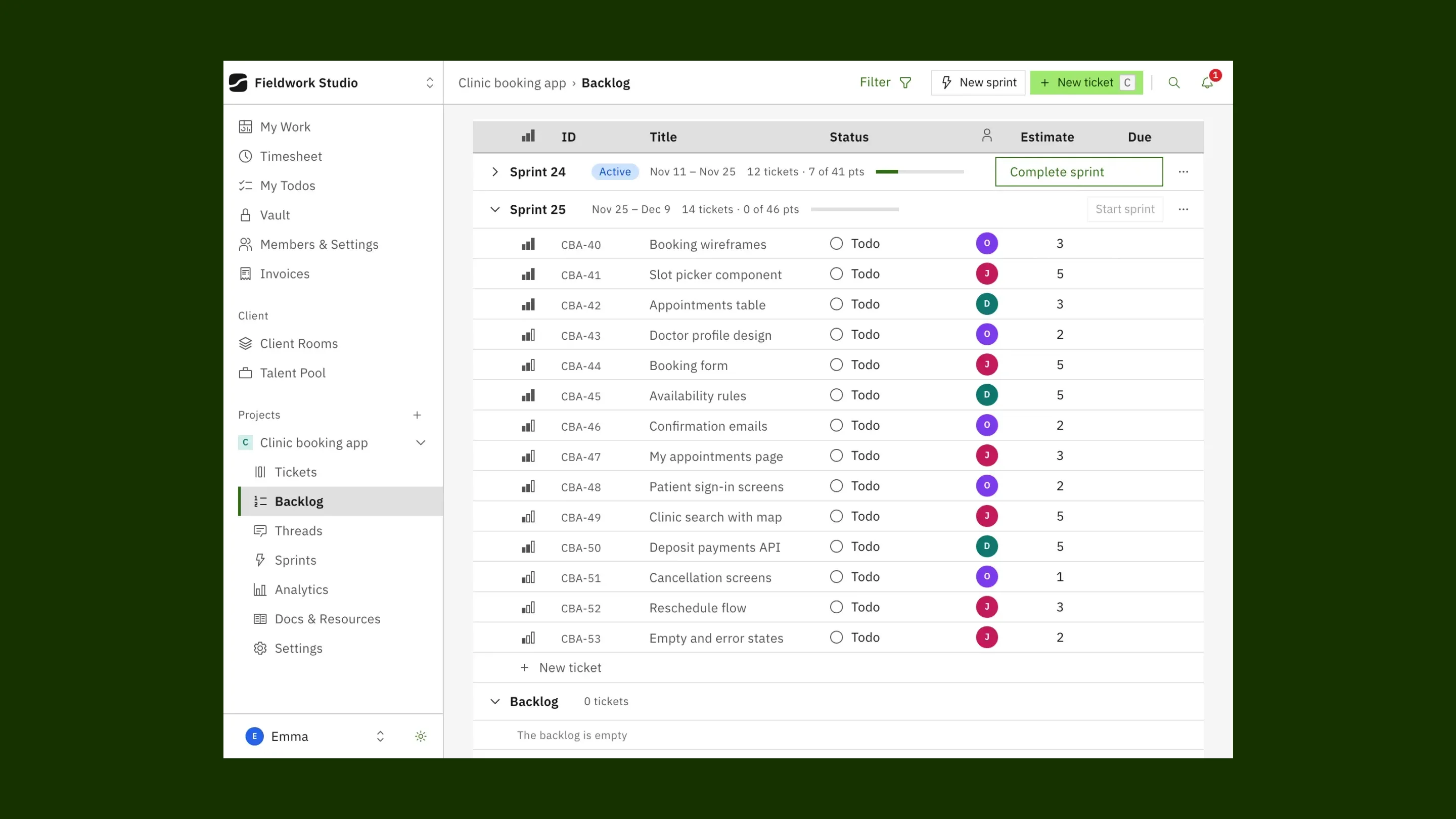
Nearly every AI project management tool takes the same approach. It builds an assistant into the product, puts it behind an add-on or a credit system, and asks you to use it in place of the AI you already have.
We took a different route. Sprinty does not sell an assistant. It lets you connect the AI your team already pays for and knows how to use.
The problem with built-in AI in an AI project management tool
You pay twice. Your team already has Claude, ChatGPT or Gemini. A second AI subscription inside each tool adds up.
It knows less. A built-in assistant sees one tool. Your own AI already has your documents, your call notes and your way of working.
You cannot choose. Models improve every few months. A built-in assistant ties you to whatever the vendor picked.
What bring your own AI means
Sprinty has an MCP server. MCP, the Model Context Protocol, is an open standard that lets an AI assistant work with outside tools safely. You add Sprinty as a connector in your AI client, sign in, and your assistant can read and act on your workspace with your permissions.
It works with Claude, ChatGPT, Gemini, Cursor and VS Code.
What you can ask it to do
These are real examples of requests, using the tools Sprinty exposes today.
- "Here are my notes from the kickoff call. Create tickets in the Clinic booking app project and put them in the next sprint."
- "What is left in the current sprint, and who has each ticket?"
- "Which tickets have been in review the longest this sprint?"
- "How much of the budget has the Law firm website project used?"
- "Log two hours on the double booking bug and add a comment with what I found."
- "Move everything unfinished from this sprint into the next one."
The first one changes how a project starts. A brief or a call transcript becomes a planned sprint in a couple of minutes, with tickets assigned to people.
Because it is your AI, it works across tools
Your assistant can hold several connectors at once. It can read a client email, check the repository and update the ticket in one go. A built-in assistant cannot leave its own product.
What about security?
Three things matter here.
- The connection uses your own sign-in, so the assistant can only see and do what you can.
- You can disconnect it at any time.
- Sprinty does not send your data to an AI provider on its own. Data goes to the AI you connected, when you ask it something.
How to set it up
It takes a few minutes. The Connect your AI guide has the steps for each client. In short: add a connector in your AI app, enter https://api.sprinty.app/mcp, and sign in to Sprinty.
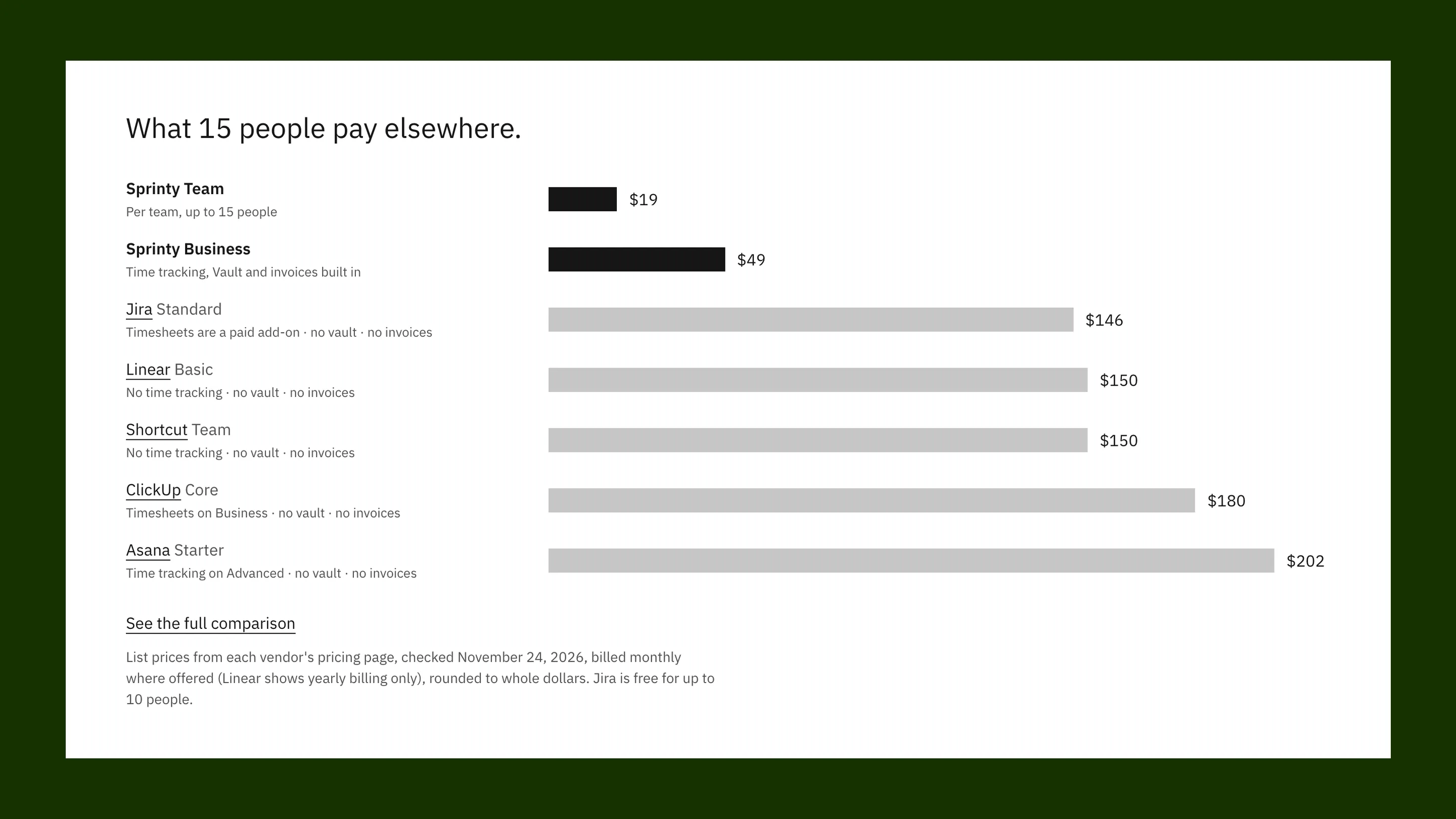
Bring your own AI is included on Team ($19 a month for up to 15 people) and Business. There are no AI credits and no usage charges from us. Start free.
Related reading: a Linear alternative for teams that work with clients and time tracking for software teams without a separate tool.
Common questions
Do I need a paid AI subscription? You need an AI client that supports MCP connectors. Check your AI provider's plans for that.
Does Sprinty charge for AI usage? No. There are no credits or per-request fees.
Can the AI see projects I cannot? No. It works with your permissions.
Keep reading
Run your next project in Sprinty.
Start free